Why YouTube merch usually waits for a subscriber count you do not have yet
YouTube Shopping is the official way to sell your own products under a video: the merch shelf, product tags and the Store tab. To switch it on your channel has to be in the YouTube Partner Program, meet its subscriber threshold, not be set as made for kids, and connect a store from an approved platform, at the time of writing. Guides disagree on the exact number, from the Partner Program minimum up to 10,000 subscribers for the full shelf, which tells you how often the rules move.
The approved platforms are their own commitment. Spring, Spreadshop and Fourthwall are creator merch platforms with their own margins and their own storefronts. Shopify connects too, at $39 a month for Basic plus a print-on-demand app such as Printful or Printify, which have no YouTube integration of their own. Either way the shelf is the last step of a setup, not the first.
Merch5 is a link, and a link works from your first upload. Sign up, upload a design, pick products and prices, and you get a mobile-first store on its own URL. Put it first in the description, in the pinned comment and on the end screen. We print each order in the buyer's region and ship it with tracking. You set the retail price and collect the difference, with no platform taking a cut of the shirt.
How to sell merch on YouTube in four steps
Live before your next upload. Nothing to apply for, no threshold to cross.
Sign up and upload art
A logo, a frame from a video, a phrase your audience quotes back at you. The app places it on the products and renders the photos; no sample order, no photoshoot.
Pick products and prices
Choose from the catalog, set your retail price per item. Production cost is shown next to it, so you see the margin before you publish.
Put the link where people look
First line of every video description, a pinned comment under the upload, an end-screen element in the last fifteen seconds, and the channel banner link. For one video's inside joke, make a design for that video and put the link only there.
We print and ship
Each order goes to the production partner nearest the buyer and ships with tracking to 100+ countries. Your margin lands in your balance.
YouTube merch shelf vs. a Merch5 store behind your link
| YouTube Shopping (merch shelf) | Merch5 store behind your link | |
|---|---|---|
| Eligibility | YouTube Partner Program, subscriber threshold, not made for kids, eligible country | Any channel, any size, any country |
| Store platform | Approved platform: Spring, Spreadshop, Fourthwall, Shopify and others | None needed. The store has its own URL |
| Where products show | Shelf under the video, product tags, Store tab | Description, pinned comment, end screen, banner link |
| Monthly cost | Platform plan where applicable (Shopify from $39/mo) plus the platform's margin | $0 |
| Per order | Platform margin or base price plus payment fees | Printing taken from the order, $14.45 for a white tee. Your buyer pays shipping. No platform fee |
| Inventory | None with a POD platform | None. Each item is printed after the customer pays |
| Shipping | Platform dependent, often one region | Produced in the buyer's region, tracked to 100+ countries |
| Design per video | Possible, but each product goes through the connected store | Make a design for one video and link it only there |
| Time to first sale | After monetization and store approval | Minutes after sign-up |
YouTube Shopping eligibility is set by YouTube and changes; support.google.com has the current rules. Once your channel qualifies for the shelf, the Merch5 link keeps working alongside it.
Spring, Fourthwall, Printful: what each actually gives a YouTube channel
Three common routes and where each one stops.
Spring or Fourthwall
Creator merch platforms that can appear on the shelf once you are eligible. The storefront is theirs, the margin is theirs to set, and below the threshold you are linking to them from the description like anyone else.
Printful or Printify via Shopify
No YouTube integration of their own. You run a Shopify store (from $39 a month), install the app, then connect Shopify to YouTube Shopping once eligible. Reasonable for a brand with a shop; heavy for a channel.
Merch5
A store on its own URL from day one, with printing, shipping and checkout inside. No platform margin, no monthly plan, no eligibility. When the shelf opens for you, keep the link too.
Free to set up. Paid out of orders you already received.
YouTube keeps charging you what it always did; Merch5 adds nothing on top of it. Printing and shipping are charged from the order itself, and everything above cost is yours.
Need branded packaging and inserts, or a custom setup? That lives on the paid plans. Everything described on this page does not.
What a t-shirt actually costs
Who sells merch on YouTube this way
Gaming channel
An inside joke from one episode sells better than a channel logo. Print it while the video is circulating; nothing is made before someone orders. Merch for games
Podcast with a video feed
The same link under every episode and in the show notes. Print the line listeners quote and ship it where they live. Merch for podcasts
Educational or how-to channel
One-off viewers rarely become members, but plenty buy one shirt from a video they loved. A link in the description catches that. How the store works
The same store works on every channel you have
One catalog, one production network, one dashboard — pick the channel your audience is already on.
YouTube merch questions
No. The Merch5 store is a web link, so it works from your first upload. The Partner Program and its subscriber threshold are only needed for YouTube's own shelf and product tags.
Yes. Upload the design, make a store or a product for it, and put that link only under that video. Nothing is printed until a viewer orders, so a design that does not sell costs nothing.
Not directly. Both reach YouTube Shopping through a Shopify store once your channel is eligible. Merch5 needs neither the store nor the eligibility; see the comparison above.
Yes. Most viewers tap from the YouTube app, and the store opens in the in-app browser in under a second, remembers the cart and checks out without an account.
Yes. If your channel qualifies and you connect an approved store, the Merch5 link in descriptions and end screens keeps working next to it.
No. The widget is a frame that loads only when the visitor scrolls near it, and the script that places it is under 4 KB.
Nothing. The store, the product mockups and the hosting are free, and the YouTube side costs exactly what it costs you today. Printing and shipping are charged out of an order after your customer has paid for it; there is no platform fee on top.
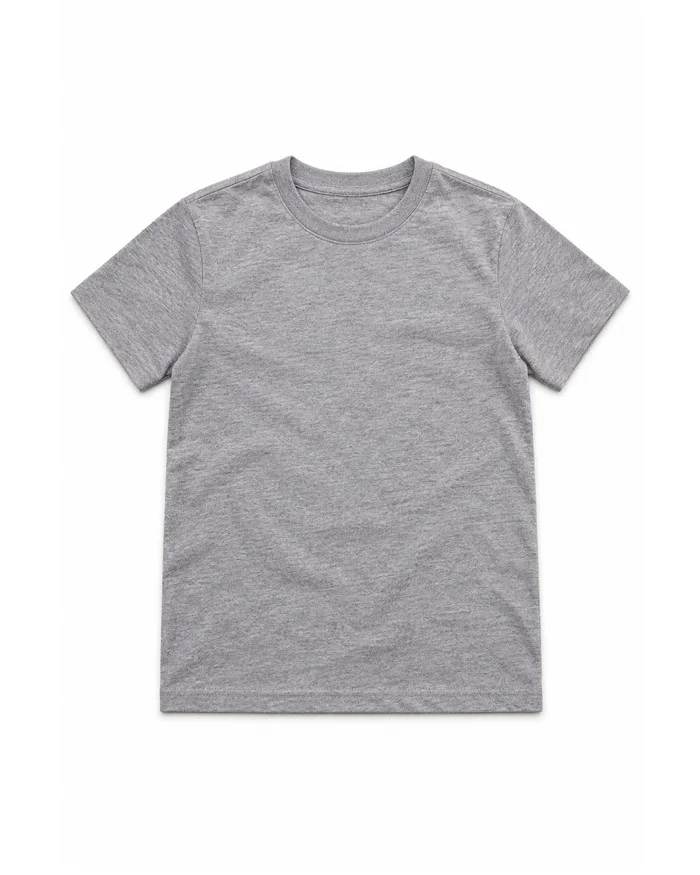
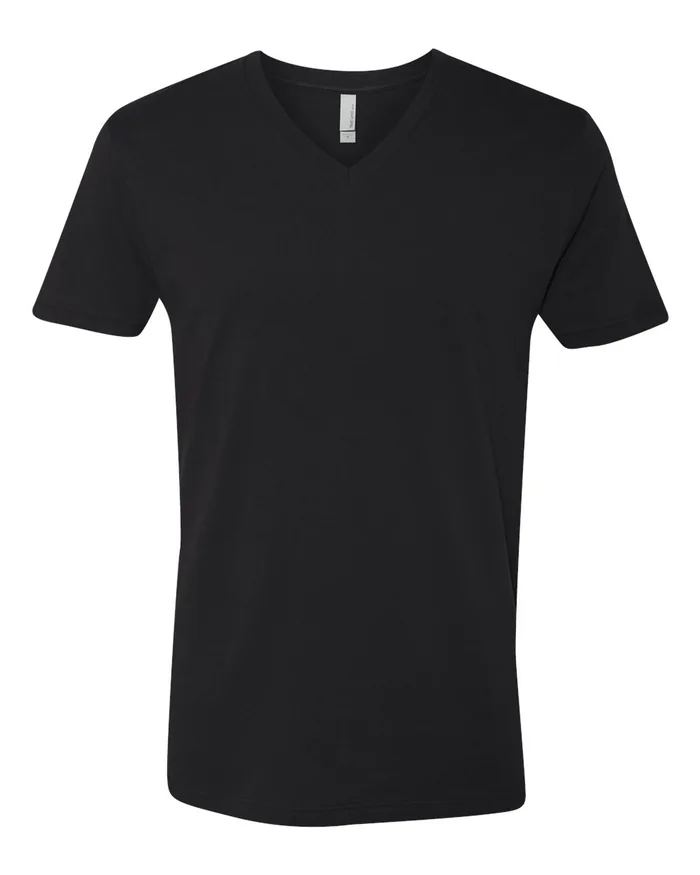
Everything in the Merch5 catalog: tees, v-necks, tank tops, hoodies, kids and infant sizes, plus accessories and print items. Each product is printed per order, so you can list the whole range without buying any of it.
We do. Each order goes to the production partner closest to the buyer and ships with tracking to more than 100 countries, so delivery times stay sane even when the audience is not in your country.
Your margin on every completed order adds to your balance in the Merch5 dashboard. We pay it out automatically every two weeks, or right away when you ask, once $50 is available. You set the retail price, so you decide what that margin is.
Your viewers are warm for about five minutes. Give them a link.
No Partner Program, no inventory, no platform taking a cut.