
Why a Tilda store is easy to build and hard to run
Tilda is one of the few builders where the store comes with the cheap plan: the Personal plan at about $10 a month on an annual contract includes the store module and connects Stripe, PayPal and a dozen other payment systems. Building the catalog is pleasant. The problem starts after the first order: somebody has to have the shirts printed, keep sizes in stock, pack the parcel and ship it, in your country and abroad.
Print on demand would solve that, but neither Printful nor Printify lists Tilda among its integrations at the time of writing. Their platforms are Shopify, WooCommerce, Wix, Squarespace, Etsy and a few others. With Tilda you would forward every order by hand, or run a second store on a supported platform and link to it, which loses the point of having the site on Tilda.
Merch5 takes all of that off you with one block. Add T123, the HTML code block, or an HTML element inside Zero Block for exact placement, paste one snippet, and the product shows up there with its artwork, colors and sizes. Buy takes the buyer to the checkout on your Merch5 store. We print each order in the buyer's region and ship it with tracking. You set the retail price and collect the difference. The Tilda store module stays free for anything else you sell.
How to add a merch widget to a Tilda page
Three steps in the Tilda editor. The HTML block is available on paid plans; the free plan has a limited block library.
Add block T123 or a Zero Block element
In the block library open Other and add T123 HTML code where the shop should sit. For pixel-exact placement, add an HTML element inside Zero Block instead.
Paste the Merch5 embed code
In the Merch5 app open a product, find Embed on your site and copy the code. Open the block's content panel and paste it in.
Publish the page
Publish and open the page. The widget follows the width of the block like any other Tilda block and sets its own height. Prices and photos update from the app without republishing.
Tilda store module vs. a Merch5 widget on Tilda
| Tilda store module | Merch5 inside Tilda | |
|---|---|---|
| Plan you need | Personal or Business (the module is included) | Personal or Business (for the HTML block) |
| Payments | Your Stripe, PayPal or other account, connected in Tilda | Merch5 checkout on your store; we pay you the margin |
| Printing | You order from a print shop and keep stock | Each item is printed after the customer pays, in the buyer's region |
| Shipping | You pack and ship every order | We ship with tracking to 100+ countries |
| Product photos | Your own | Generated for every design and color |
| Print on demand integrations | None (Printful and Printify do not support Tilda) | Built in, nothing to connect |
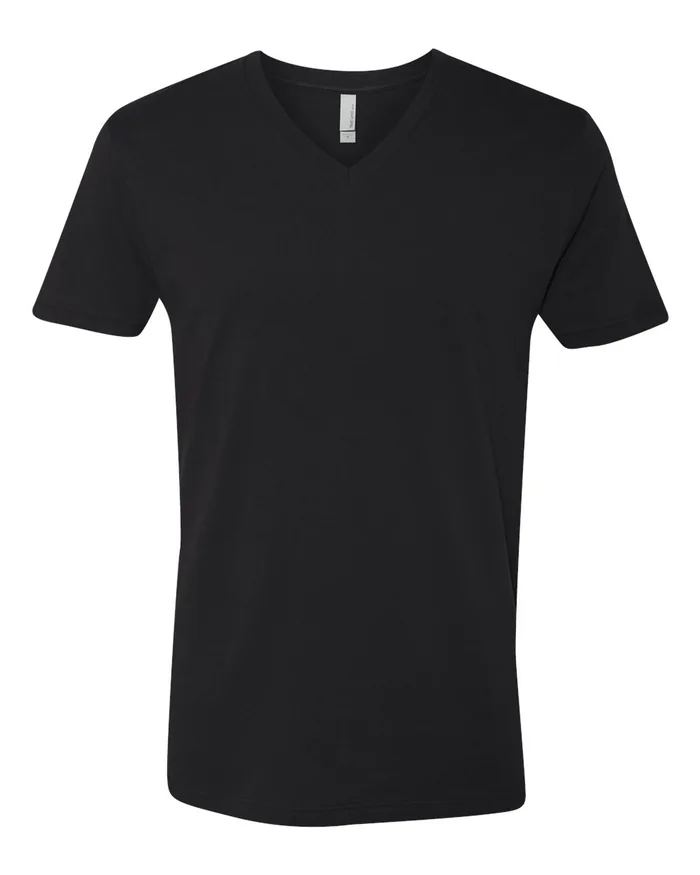
| Per order | Payment system fee plus your print and postage cost | Printing taken from the order, $14.45 for a white tee. Your buyer pays shipping. No platform fee |
| Setup | Catalog, variants, delivery options, payment system | One block, one snippet |
| Good for | Goods you already make or stock | Branded tees, hoodies, tanks and more, printed per order |
Tilda plan details are the published figures at the time of writing; tilda.cc/pricing has the current ones. Selling other goods through the Tilda store module? Keep it. The Merch5 block sits on the same page or its own.
Does Printful work with Tilda? Does Printify?
Neither lists Tilda at the time of writing. Here is what that leaves you with.
Printful
Integrations: Shopify, Etsy, WooCommerce, Wix, Squarespace, BigCommerce and others. No Tilda. The manual route is forwarding each Tilda order into Printful by hand, or a Shopify store you link to from Tilda.
Printify
Platforms: Shopify, Etsy, eBay, Wix, Squarespace, WooCommerce, BigCommerce. No Tilda either. Same workaround, same second platform and second subscription.
Merch5
No connector, because there is nothing to connect. The block shows the product, and the checkout, printing and shipping run on our side, so a Tilda site needs nothing else, and the page stays a Tilda page.
Free to set up on Tilda. Paid out of orders you already received.
Nothing changes on your Tilda plan — the selling part happens on our side. Printing and shipping are charged from the order itself, and everything above cost is yours.
Need branded packaging and inserts, or a custom setup? That lives on the paid plans. Everything described on this page does not.
What a t-shirt actually costs
Tilda sites that sell merch
Studio or agency
You design on Tilda for a living. Add a merch page to a client site in five minutes, with your look and Zero Block precision, and leave production to us. Custom projects
Podcast or YouTube channel
Landing page, episodes and the shop on one domain. Print the line listeners quote and ship it anywhere. Merch for podcasts
Event or conference
The Tilda landing already sells tickets. Add the shirt next to them, before, during and after the event. Merch for events
Not only Tilda
The same catalog and the same production sit behind every one of them — pick the one you already use.
Tilda questions
The free plan has a reduced block library and no custom code, so you need Personal or Business for the T123 block or a Zero Block HTML element. Both plans are under the price of a single printed shirt per month.
Yes. Add an HTML element in Zero Block, paste the same snippet, and position it like any other element. Give it enough height for the product; the widget scrolls inside if the element is shorter.
Not at the time of writing; neither lists Tilda. Merch5 needs no integration: the widget is plain embed code, and we do the printing and shipping. See the comparison above.
Yes. The Merch5 block is just a block. It can sit on its own page or next to your Tilda store; the two do not interfere.
No. The widget is a frame that loads only when the visitor scrolls near it, and the script that places it is under 4 KB.
One widget shows one product. For the whole catalog, link your Merch5 store from the menu: it opens on yourbrand.merch5.com, on a subdomain such as merch.yourdomain.com, or on a domain of its own, with the cart and checkout there.
Nothing. The store, the product mockups and the hosting are free, and the Tilda side costs exactly what it costs you today. Printing and shipping are charged out of an order after your customer has paid for it; there is no platform fee on top.
Everything in the Merch5 catalog: tees, v-necks, tank tops, hoodies, kids and infant sizes, plus accessories and print items. Each product is printed per order, so you can list the whole range without buying any of it.
We do. Each order goes to the production partner closest to the buyer and ships with tracking to more than 100 countries, so delivery times stay sane even when the audience is not in your country.
Your margin on every completed order adds to your balance in the Merch5 dashboard. We pay it out automatically every two weeks, or right away when you ask, once $50 is available. You set the retail price, so you decide what that margin is.
Paste the same snippet into the new builder. Moving hosts does not touch your store, your orders or your payouts.
Your Tilda site is ready. The store takes five minutes.
No store to run, no inventory, no plugin to maintain.